Turn PDFs into structured learning and training material.
Voila is a Windows beta tool that turns manuals, SOPs, onboarding documents, course notes and technical PDFs into structured study outputs: lessons, outlines, glossary, quizzes and flashcards.
The problem
A lot of useful knowledge is locked inside dense PDFs. Manuals, procedures, technical documentation, onboarding materials, and training notes often contain valuable information, but they are difficult to turn into practical learning material.
The goal
Voila aims to make dense PDF-based knowledge easier to inspect, structure, learn from, and validate through practical training outputs.
What Voila generates
The tester demo focuses on turning small PDF samples into structured outputs that are easier to review and reuse.
Learning structure
Course-style content and document outlines that make dense PDF material easier to follow.
Study assets
Glossary items, quizzes, and flashcards for reviewing key information from the source document.
OCR review
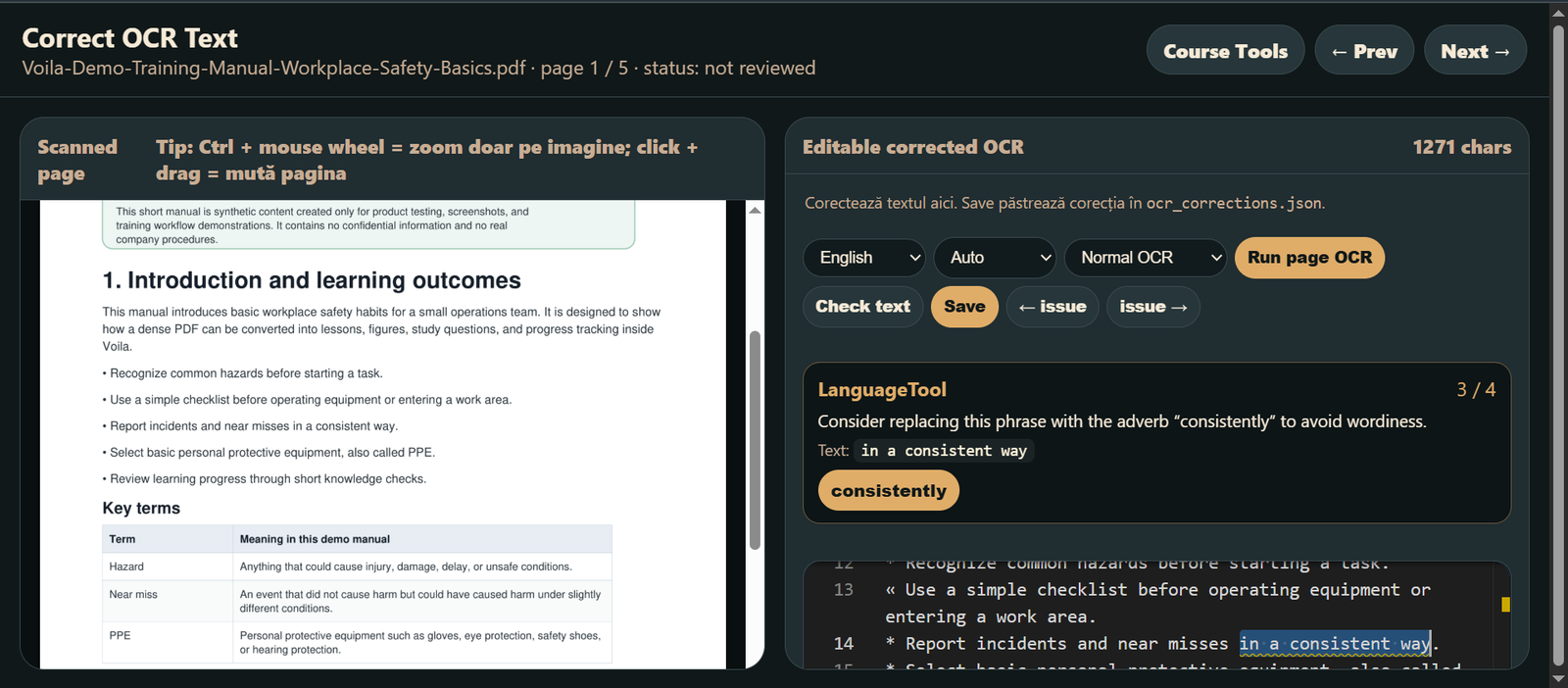
OCR review output to help inspect extracted text and identify where document processing needs attention.
Watch Voila in action
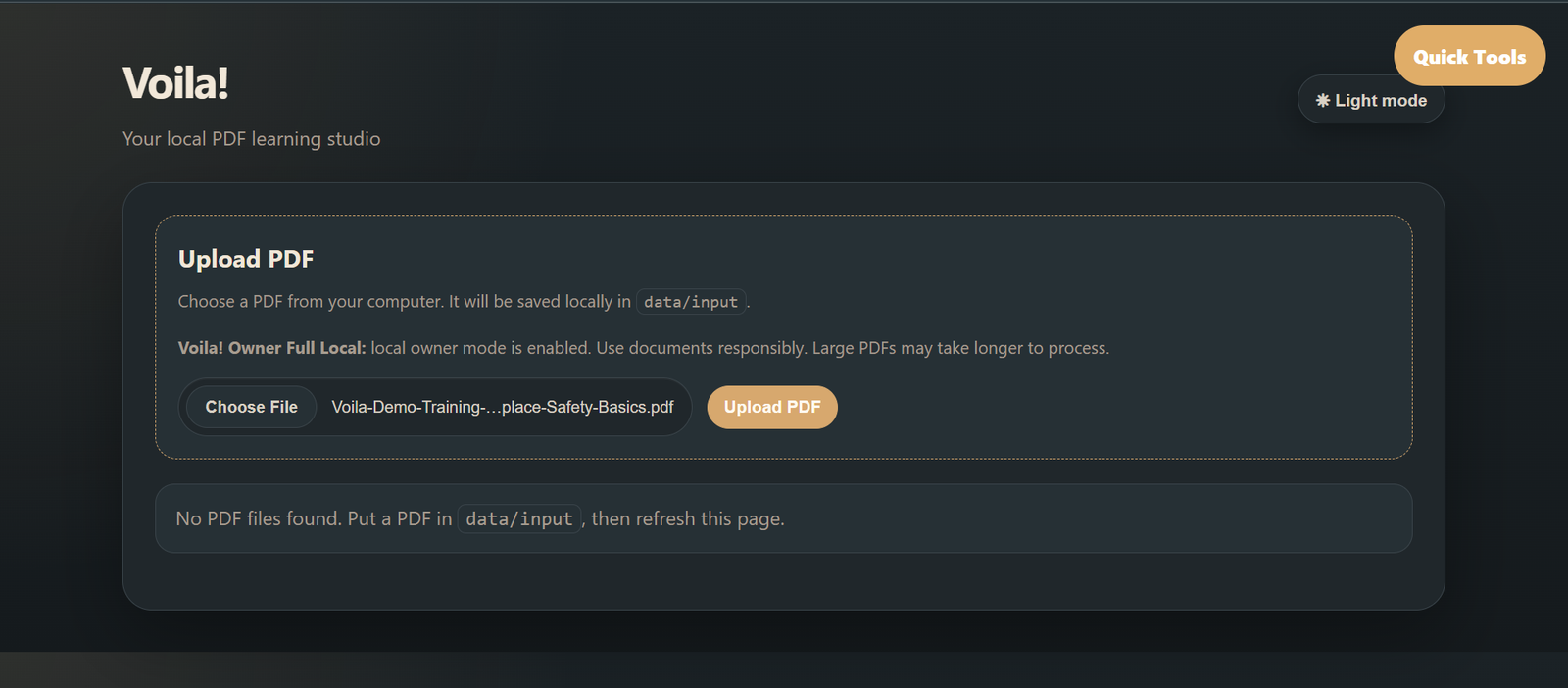
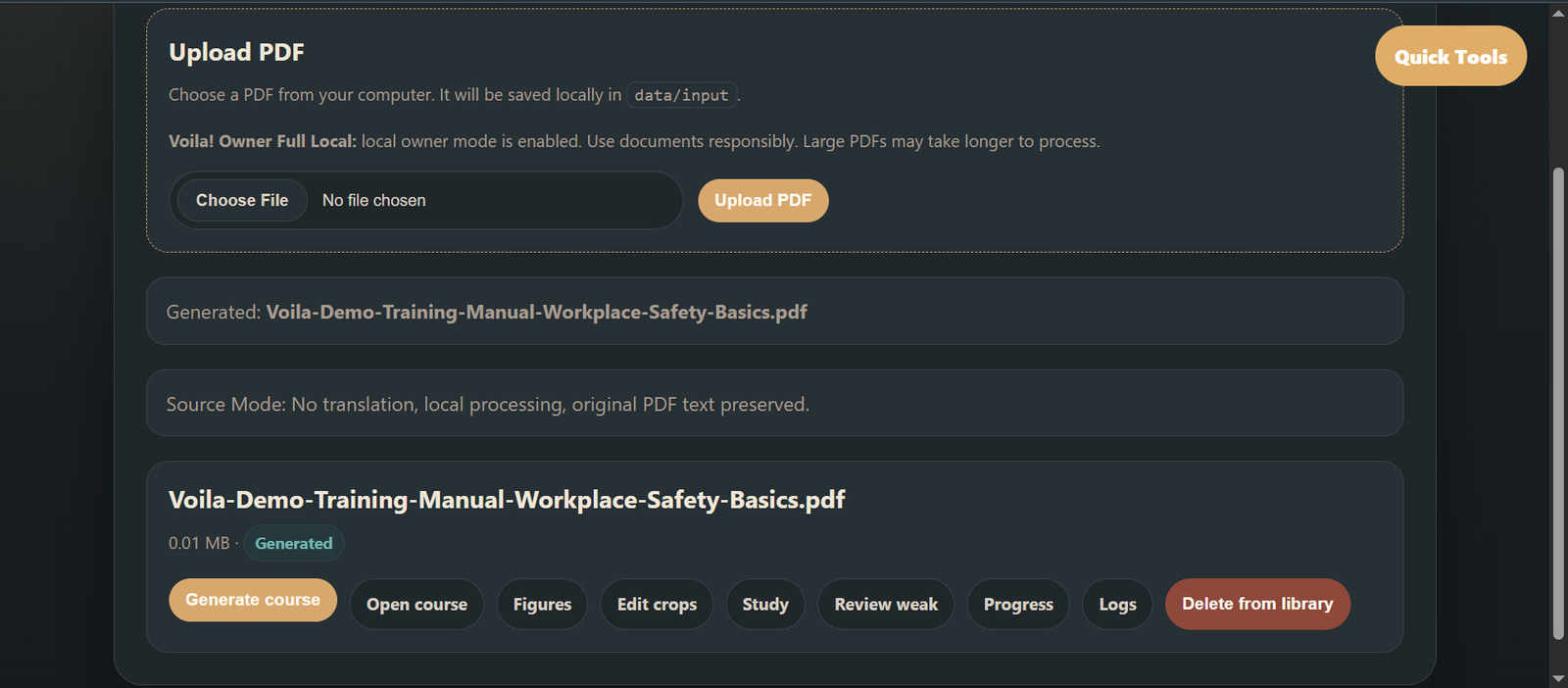
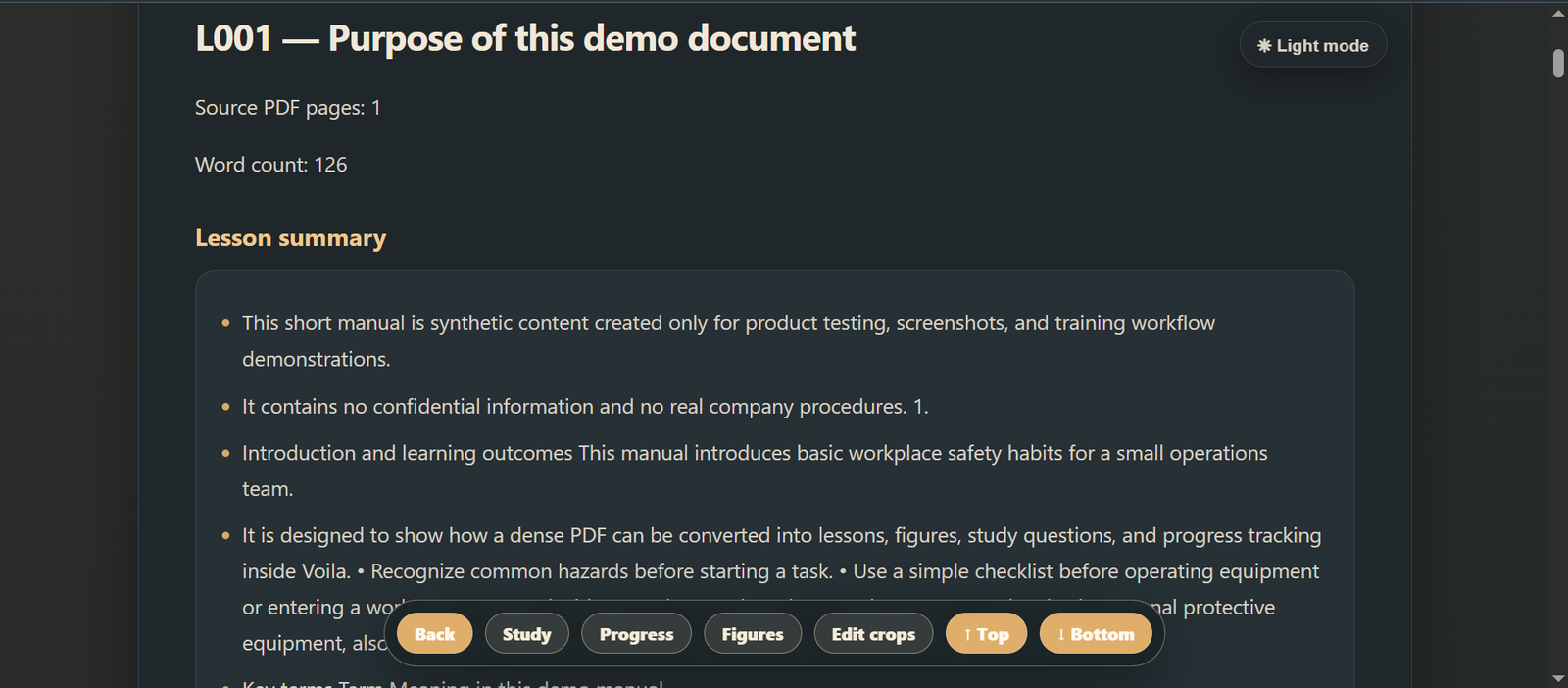
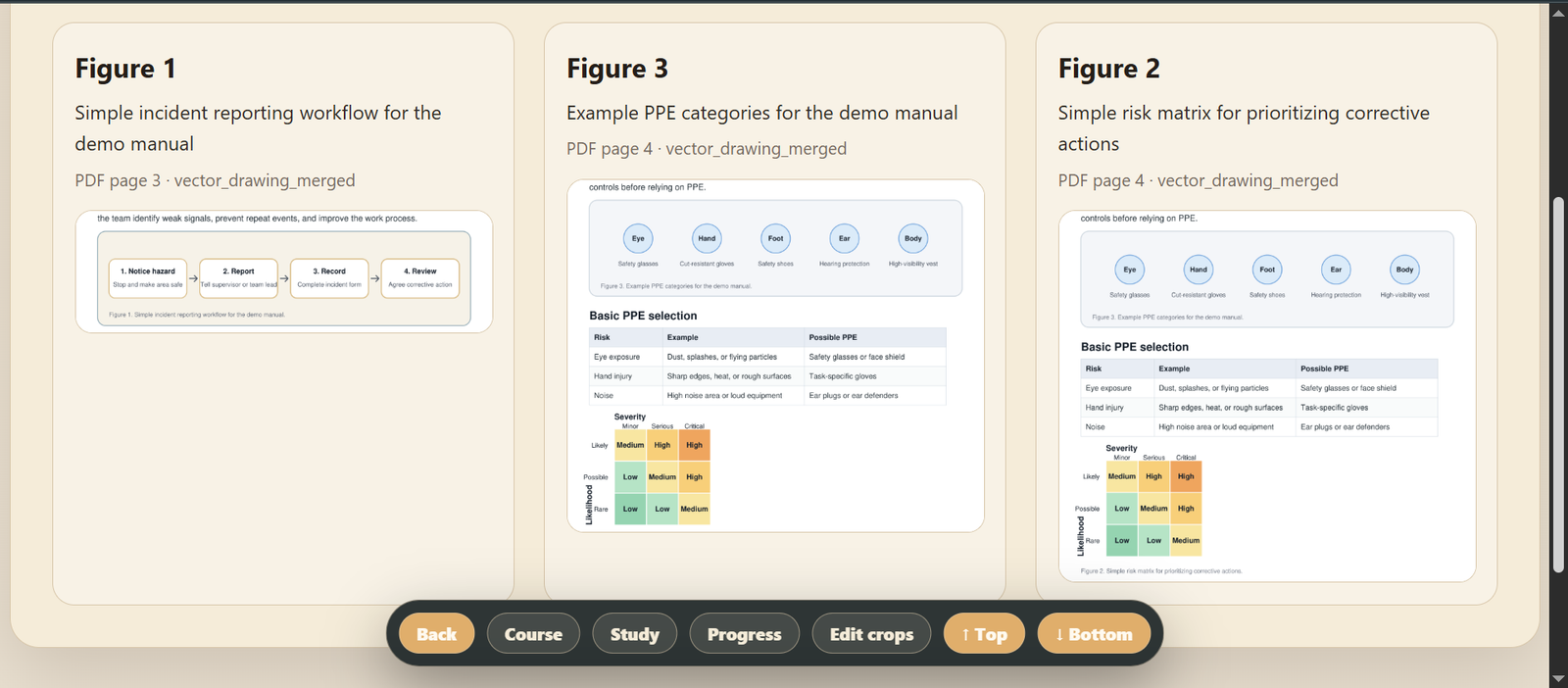
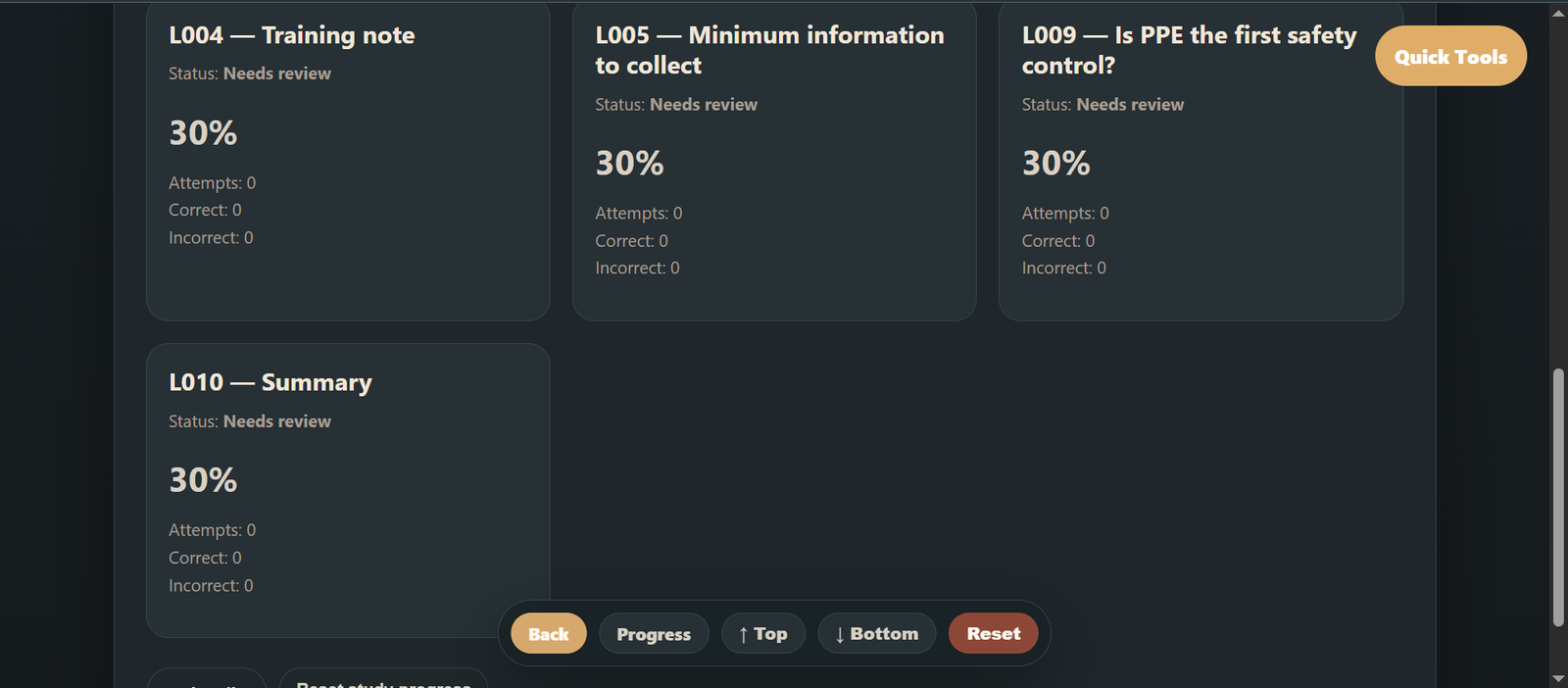
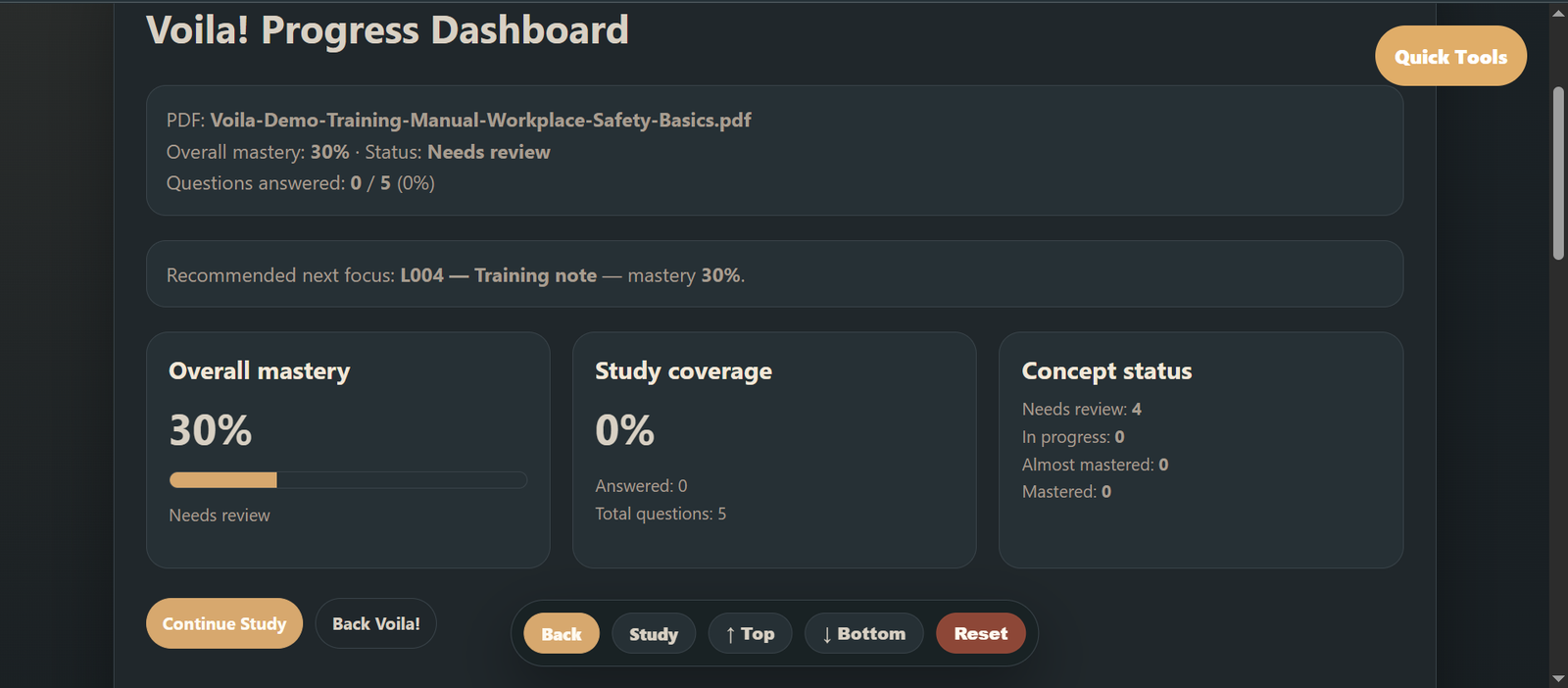
A short walkthrough of the current Windows tester workflow: upload a PDF, generate structured learning material, review lessons, inspect figures, study with questions, and track progress.
Workflow screenshots
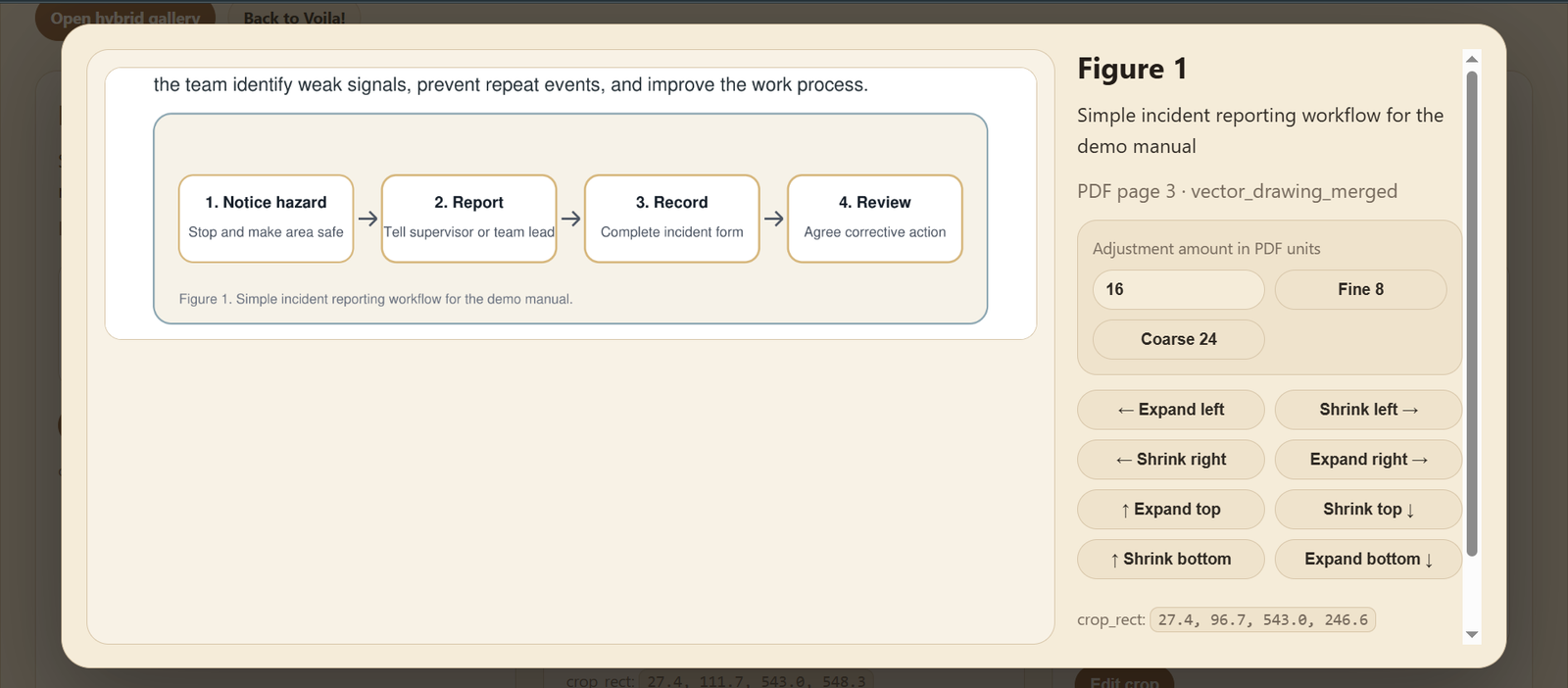
A quick look at the current Windows workflow: upload a PDF, generate structured training material, review OCR text, adjust figure crops, review lessons, inspect figures, study concepts, and track progress. Click any screenshot to open it full-size.
Who it is for
This tester phase is intended for people who work with PDF-based knowledge and training content.
- manuals
- SOPs and procedures
- onboarding documents
- training materials
- course content
- technical documentation
- knowledge management
Safety boundaries
Please use only small, non-confidential PDF samples during this tester phase.
- no sensitive documents
- no legal documents
- no medical documents
- no financial documents
- no personal or confidential documents
- no safety-critical documents
What feedback we are looking for
The current goal is to validate the idea and the workflow with a small number of manual testers.
- Is the idea clear?
- Are the generated outputs useful?
- Which PDF types work well?
- Where does the workflow fail?
- What is confusing, missing, or unnecessary?
- What would make Voila worth using again?
Interested in testing Voila?
Request access if you use Windows and can test Voila with small, non-confidential PDF samples.